

































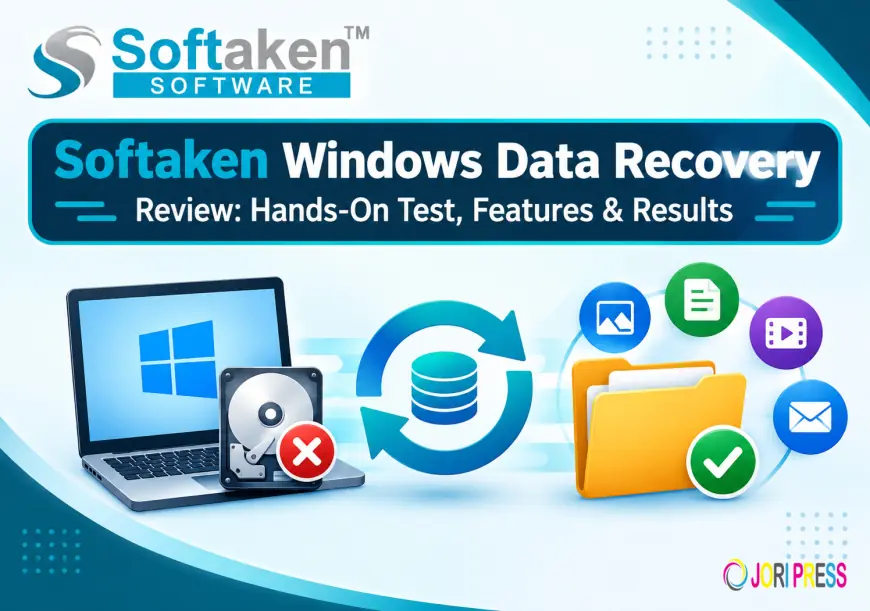
Softaken Windows Data Recovery Review: Hands-On Test, Features & Results

Summary
There are many reasons to lose your important files from a Windows computer like accidental deletion, Shift+Delete, empty Recycle Bin or other data loss situations. The data recovery utility scans the storage and finds files which can be recovered. Softaken Windows Data Recovery is developed for recovering deleted files from Windows Operating Systems. It has a deep scan, file filter, batch recovery, FAT & NTFS file system support, and much more.
In this review we discuss the key features, the recovery workflow, usability and practical considerations.
What Is Softaken Windows Data Recovery?
Softaken Data Recovery Software is a recovery utility for Windows that can recover deleted and permanently deleted files. The product page says it can recover data from the Recycle Bin and also files deleted with Shift + Delete. It supports popular file types like images, audio, video and archive files.
The interface is built around a simple scan-and-recover workflow, so users can scan a drive, see results, apply filters and save selected files to a location of their choice.
Practical recovery process
The recovery process is a simple sequence of:
- Download and run the Softaken Windows Data Recovery.
- Select the drive where the deleted data is located.
- Step 4. Initiate the scanning.
- Look at the files and folders shown.
- Search or filter options allow you to find specific data.
- Choose the files you want to recover.
- Decide where to save the recovered data.
- Begin the recovery process.
This scan, preview/filter, destination-selection and recovery workflow is mentioned in the product documentation.
Key Features Under Review
1. Deep Scan Mechanism
Having deep scanning is one of the important features of the software. It is for a deeper analysis of files that are permanently deleted and can be used when standard recovery methods do not immediately find the required data.
2. Recycle Bin Restore
According to documentation, the software is able to scan the Windows Recycle Bin and recover deleted items, keeping information such as original names and metadata.
3. Shift + Delete Recovery
Files deleted using the Shift+Delete command will not normally show up in the Recycle Bin. Softaken points to Shift+Delete recovery as a specific use case they support.
4. Support for FAT and NTFS
The software supports all types of file systems including FAT as well as NTFS. This makes it applicable for different Windows storage configurations using these file systems.
5. Search and Filtering Options
Large scans can result in many outcomes. The search and filter function allows users to narrow down the results and find specific files instead of checking each detected item manually.
6. Restore a Batch File
Softaken allows you to select and restore multiple files at the same time. This can save time when many files need to be restored from the same scan.
7. Common File Types Support
This software is built to recover popular categories like images, audio, video and archive files.
Performance Problems
Factors influencing the speed of data recovery include the storage device, the volume of data to be scanned, the state of the file system and the scan mode. The depth of the scan generally requires more analysis than a simple scan, so the processing time can vary dramatically from system to system.
The search and filter options are especially useful for larger drives as they cut down the effort needed to find specific recoverable files.
Ease of Use and User Interface
The interface is designed around a guided recovery workflow, and not command-line operations. “The application has an intuitive layout with self-defined steps that makes the recovery process easy for beginners.
This makes the workflow relatively easy to understand: select the drive, scan it, look at the results, select the files you need and save them to another location.
Pros
- Deep scan for files deleted permanently
- hift+Delete and Recycle Bin recovery
- FAT and NTFS file system support
- Search and filter options
- Batch file restore
- Support for common file types
- Easy Recovery Process
- Free trial to test
Cons
- The success of a recovery can depend on the condition and type of storage device.
Conclusion
Softaken Windows Data Recovery offers a systematic way to recover deleted files from Windows systems. Its combination of deep scanning, FAT and NTFS support, Shift+Delete recovery, search filters and batch recovery make it suitable for a range of common file loss situations.
The free trial also allows you to scan and preview recoverable files before you make a purchase. But, as with any data recovery software, outcomes can differ depending on the state of the storage device and whether the deleted data has been overwritten.
More info:- softaken.com/recovery/windows-data-recovery/
What's Your Reaction?
 Like
0
Like
0
 Dislike
0
Dislike
0
 Love
0
Love
0
 Funny
0
Funny
0
 Angry
0
Angry
0
 Sad
0
Sad
0
 Wow
0
Wow
0