





































GainTools EDB to PST Converter Review: Features, Speed, Pros & Cons

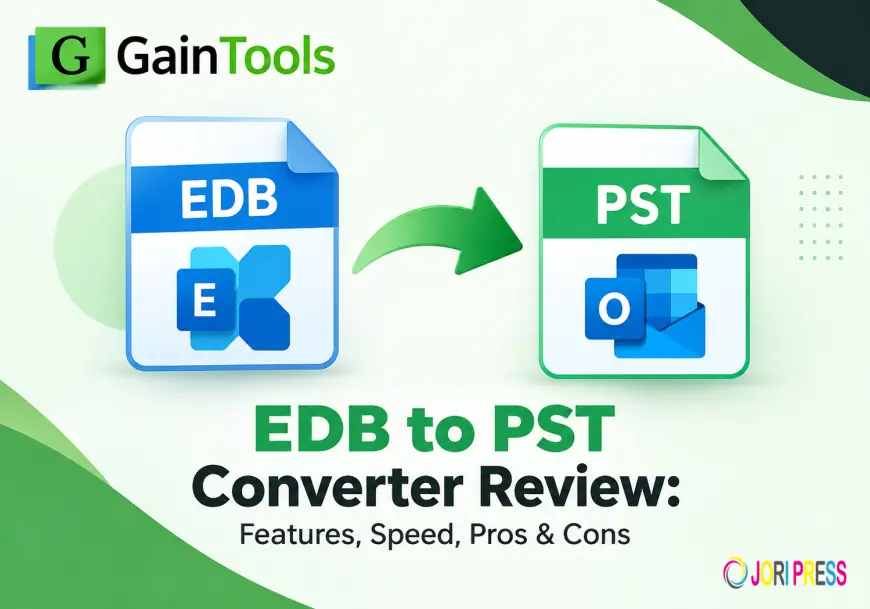
Converting EDB files to PST can be a practical way to work with mailbox data in Outlook when there is a need to access Exchange EDB data. This purpose is specifically designed for GainTools EDB to PST Converter. It supports EDB scanning, mailbox preview, selective filtering, PST export and multiple EDB files.
The main features of the software, conversion process, performance considerations, and pros and cons are discussed in this review to help users know what it has to offer.
What is EDB to PST Converter Tool?
GainTools EDB to PST Converter is a Windows-based software that converts Exchange EDB files to Outlook PST format. As per the product page, the software is capable of processing single or multiple EDB files. It can export mailbox components like emails, contacts, notes, calendars, and journals. It also supports Exchange versions like 2019, 2016, 2013, 2010, and 2007.
The software also exports EDB data in EML, EMLX, and MSG formats and supports direct migration to Office 365 and Live Exchange.
Key Features
1. Convert EDB to PST directly
The primary function is direct conversion of Exchange EDB data to PST files which can be opened in Outlook. Users can choose to export data to a new PST or to an existing PST file.
2. Fast scan and preview
Once EDB file is added, the software scans the content and shows the folders and subfolders in a hierarchy. The preview enables users to preview the mailbox data available before starting the export.
3. Discriminative Filtering
You can use the filtering feature to filter the data you want to export. When a complete mailbox export is not required, GainTools offers filtering criteria such as message class and date range.
4. Support for multiple EDB files
The software supports to convert multiple EDB files. This can be useful if the Exchange data is distributed over multiple database files and needs to be processed as part of the same workflow.
5. PST Split Automatically
Big PST files can be split into parts according to the user selected size. The software will automatically create additional PST files when the configured size is reached.
6. Export Office 365 and Live Exchange
Besides, PST conversion, GainTools also facilitates to migrate EDB mailbox data directly to Office 365 and Live Exchange. During these migrations, users can map mailboxes manually or automatically, according to the product page.
How to Convert EDB to PST
Conversion is very simple:
- Download and install GainTools EDB to PST Converter.
- Click Search or Browse to open the EDB file
- After the scanning is over, you can view the mailbox data.
- Select items you want. Use filters if necessary.
- In the export options, choose PST.
- Choose whether to create a new PST or use an existing PST.
- Select the destination location and begin the conversion.
- When the process is completed, check the conversion log report.
- Speed & Performance
the software supports EDB files of different sizes and provides fast EDB scanning and conversion. But the actual time taken for conversion depends upon the size of EDB file, mailboxes, amount of data that is stored in it, storage performance, and overall system configuration.
Features like selective filtering and automatic PST splitting make the conversion workflow easier to handle for larger databases.
Compatibility Compatibility
The product page lists support for Windows 11, 10, 8.1, 8 and 7, 32-bit and 64-bit. It also shows EDB as input format and PST, EML, EMLX and MSG as output.
Pros
- Convert EDB to PST format
- Supports Single and Multiple EDB File
- Shows preview of mailbox before converting
- Provides filtering by date and message class
- Supports Automatic PST Split
- Offers Office 365 and Live Exchange migrations
- Supports different versions of Exchange
- Provides a trial version for evaluation
Cons
The software is Windows-based.
Conclusion
EDB to PST Converter has a number of useful features in one EDB migration process. It can handle diverse EDB conversion scenarios with mailbox preview, selective filtering, support for multiple EDBs, PST splitting and direct Exchange migration options.
This demo version of this software allows users to test the conversion process with their own mailbox data before purchasing the full license if they are specifically looking to move Exchange EDB data into Outlook PST. The product page currently has a demo that allows limited conversion for evaluation purposes.
FAQs
1. Does GainTools convert multiple EDB files to PST?
Yeah. On the product page, users get to know that they can add and convert multiple EDB files to PST format.
2. How to preview EDB data before conversion?
Yes. scans the EDB file and shows its mailbox folders and items before the export process.
3. Can I convert selective EDB ?
Yes. The users can use the filters like date range, message class etc to export the selected mailbox data.
4. Does Split Large PST files?
Yes. The software allows the users to specify an output PST size and it will automatically split the resultant PST when that size is reached.
More info:- gaintools.com/exchange/edb-to-pst/
What's Your Reaction?
 Like
0
Like
0
 Dislike
0
Dislike
0
 Love
0
Love
0
 Funny
0
Funny
0
 Angry
0
Angry
0
 Sad
0
Sad
0
 Wow
0
Wow
0