




































PromoStandards WooCommerce Integration: Connect to Any Compliant Supplier Without Custom Code
Connect your WooCommerce store with PromoStandards-compliant suppliers without building separate custom integrations. Automate product catalogs, pricing, inventory, and order information across your supplier network. Reduce manual data entry and simplify supplier management as your product catalog grows.
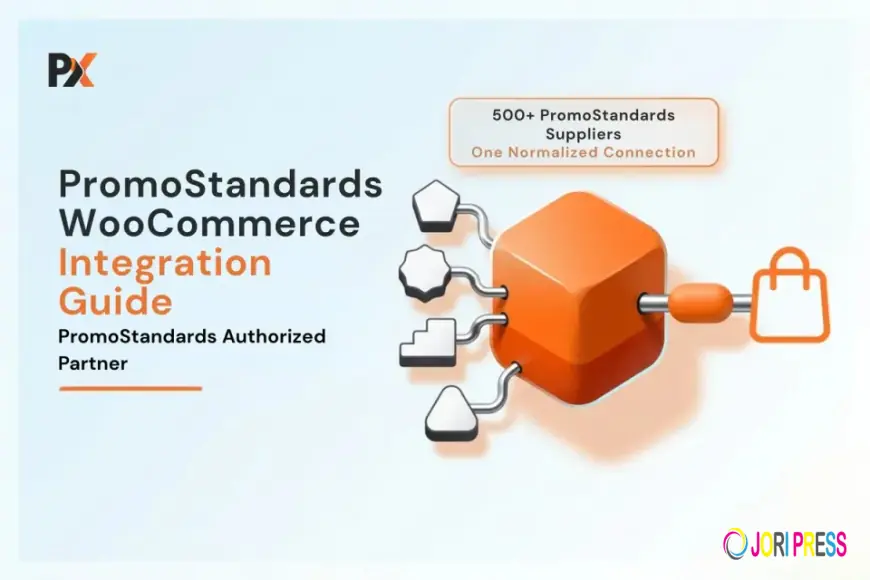
Managing products from multiple promotional product suppliers can become difficult as a WooCommerce store grows. A PromoStandards WooCommerce integration provides a standardized way to exchange product, inventory, pricing, and order information between your store and compliant suppliers. Instead of developing a separate custom connection for every supplier, businesses can use a standardized approach to simplify supplier management.
Why Connect Promotional Product Suppliers to WooCommerce?
Promotional product distributors often work with several suppliers, each offering thousands of products with different pricing, inventory, and product information.
Managing this information manually can require your team to:
- Add supplier products to WooCommerce
- Upload product images and descriptions
- Update inventory
- Adjust pricing
- Check product availability
- Process supplier orders manually
As the catalog grows, these tasks can consume valuable time and increase the possibility of errors.
An automated supplier connection helps reduce repetitive work and gives your ecommerce store a more efficient way to manage supplier information.
What Is PromoStandards?
PromoStandards is a group of standardized web services designed for the promotional products industry. It allows suppliers, distributors, and technology platforms to exchange information using common standards.
Depending on the services supported by a supplier, PromoStandards can provide information related to:
- Product details
- Product specifications
- Pricing
- Inventory
- Product images and media
- Orders
- Shipping information
This standardized communication makes it easier for ecommerce platforms to work with suppliers without creating an entirely different integration for each one.
Why Avoid Building Custom Integrations?
A custom integration may work well for one supplier, but maintaining several individual integrations can become expensive and difficult.
Every custom connection requires development, testing, maintenance, and troubleshooting. If a supplier changes its system or API, additional development may also be required.
A standardized integration approach can reduce this complexity. Instead of building separate connections for every supplier, businesses can use a platform that supports standardized supplier services.
How Does PromoStandards Work With WooCommerce?
The basic workflow looks like this:
Supplier → PromoStandards → Integration Platform → WooCommerce → Customer
The integration platform receives information from the supplier and maps it to the appropriate WooCommerce products.
For example, supplier product information can be transferred into WooCommerce, while inventory updates can help keep product availability current. When a customer places an order, order information can then move through the integration toward the supplier.
This creates a connected workflow between the online store and supplier.
What Can You Automate?
Product Catalog
Instead of manually creating every product, supplier information can be imported into WooCommerce. This may include product names, SKUs, descriptions, images, sizes, colors, and other attributes.
Inventory
Supplier inventory can change frequently. Automated synchronization helps your WooCommerce store display more accurate availability and reduces the need for manual stock checks.
Pricing
Supplier costs can be transferred into your ecommerce workflow and combined with your pricing rules. This allows you to maintain your desired margins without manually editing every product.
Orders
Orders placed through WooCommerce can be passed into the supplier workflow, reducing duplicate data entry and helping streamline purchasing and fulfillment.
Connect Multiple Suppliers Without Custom Code
When a business works with several suppliers, having a centralized integration layer can make supplier management much easier.
PrintXpand Connect helps businesses connect their ecommerce environment with supported promotional product suppliers and manage important information such as product catalogs, pricing, inventory, and ordering workflows.
Instead of treating every supplier as a separate development project, businesses can use a centralized approach that makes it easier to expand their supplier network.
How to Set Up the Integration
1. Identify Your Suppliers
Start by listing the suppliers you currently use and checking which ones support the PromoStandards services you need.
2. Decide What Data to Sync
Determine whether your store needs product information, inventory, pricing, orders, shipping information, or several of these services.
3. Map Your Products
Supplier SKUs, categories, sizes, colors, and other attributes need to be mapped correctly to your WooCommerce catalog.
4. Configure Pricing and Inventory
Set your markup rules and determine how supplier inventory should appear on your website.
5. Test Before Launch
Test product information, variations, pricing, inventory updates, checkout, and order transmission before making the integration live.
Where Does Product Customization Fit?
Supplier connectivity is only one part of a promotional product ecommerce store. Many customers also expect to personalize products before purchasing.
A WooCommerce product customization tool can allow customers to upload artwork, add text, choose design elements, and preview their products online.
This can create a complete workflow:
Supplier Catalog → WooCommerce → Product Customization → Checkout → Order Processing
The supplier integration manages product and fulfillment information, while customization gives customers control over their designs.
Common Issues to Avoid
Incorrect product mapping: Make sure sizes, colors, SKUs, and other product attributes are mapped correctly.
Outdated inventory: Use regular inventory synchronization to reduce the risk of selling unavailable products.
Duplicate products: Multiple suppliers may offer similar items, so establish rules for organizing your catalog.
Incorrect pricing: Always test your pricing rules before publishing products.
Skipping testing: Test the complete process instead of checking only whether products appear in WooCommerce.
Final Thoughts
A PromoStandards-based connection can make it easier for WooCommerce businesses to work with multiple promotional product suppliers without building a separate custom integration for each one.
By automating product data, inventory, pricing, and orders, businesses can reduce manual work and create a more reliable ecommerce workflow. A centralized integration approach also makes it easier to add suppliers as the business grows.
For promotional product distributors looking to scale their WooCommerce store, connecting compliant suppliers through a standardized integration can provide a more efficient and manageable way to operate.
Files
What's Your Reaction?
 Like
0
Like
0
 Dislike
0
Dislike
0
 Love
0
Love
0
 Funny
0
Funny
0
 Angry
0
Angry
0
 Sad
0
Sad
0
 Wow
0
Wow
0