





































Softaken vCard Duplicate Remover Review 2026: Is It Worth Using? Pros, Cons & Performance

Summary
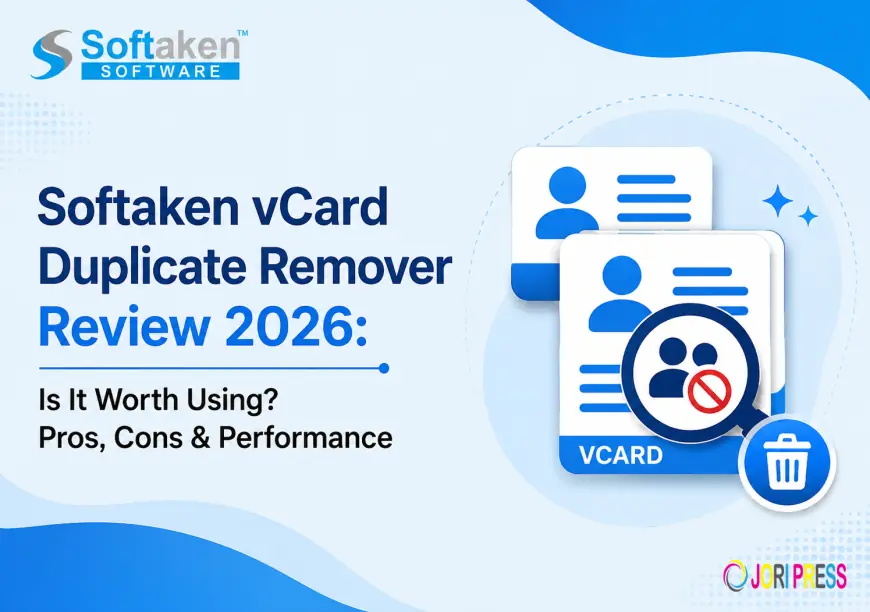
Duplicate contacts can be frustrating when a VCF file has repeated names, phone numbers, email addresses or other contact details. This is especially common after importing contacts from multiple devices, cloud services, email applications, or backup files. Softaken vCard Duplicate Remover will scan one or more VCF files and find duplicate contacts, which can then be deleted.
In this review, we’ll look at its features, workflow, filtering options, supported contact sources, performance considerations, pros and cons, pricing and overall usability to see if it’s worth using in 2026.
What Is Softaken vCard Duplicate Remover?
Softaken vCard Duplicate Remover is a Windows based software that helps you to delete duplicate contacts from VCF/vCard files in bulk. It enables the users to add one VCF file, several files or an entire folder of VCF files and then find duplicates based on selected contact fields.
The software can match on fields such as first name, last name, middle name, email address and mobile number. Users can choose to check all the fields available or select only the fields they need.
The vendor says the tool works with VCF files from applications and devices such as Outlook, iCloud, iPhone, Android, Skype, WhatsApp and Apple Mail.
vCard Duplicate Remover Salient Features
1. Remove Duplicated Contact Fields
One of the key capabilities is finding duplicate contact information. Users can choose all fields or specific fields like names, email addresses and mobile numbers to check for duplicates.
2. VCF batch processing
This software allows to add multiple VCF files or an entire VCF folder instead of working on contacts one file at a time. This can be especially helpful when you are working with large collections of contacts.
3. Adaptive filtering of duplicates
Users can choose to check all contact fields available or just selected fields. This gives users more control over the discovery of duplicate contacts.
4. Export Contacts to One or More VCF Files
After duplicate removal the users can save the resulting contacts to a single VCF file or use the multiple-vCard option. The user can also select the destination location.
5. Standalone App
Softaken says that vCard Duplicate Remover is a stand-alone utility and does not need any other application installed to run.
6. Compatible with VCF files from various sources
It is compatible with VCF files exported from various sources and applications like Outlook, iPhone, Android, iCloud, Skype, WhatsApp and Apple Mail.
7. Trial Run for Testing
Users can try the software's functionality before purchasing the full version thru a free testing edition.
What is the working of Softaken vCard Duplicate Remover?
The whole process is pretty simple:
- Download and install Softaken vCard Duplicate Remover.
- Choose single vCard or multiple vCards for processing.
- Add individual VCF files or a VCF folder.
- Check duplicates on all fields or on individual fields.
- Choose destination location.
- Start the process of removing duplicates.
- Save cleaned VCF data.
This workflow should be easy to understand even for users with limited technical knowledge.
Processing Speed
The software is designed to process VCF files in bulk which saves time compared to manually checking each contact. Actual processing speed will depend on the number of VCF files, total contact count, duplicate volume, and computer configuration.
For a meaningful performance test, users should run the same VCF dataset on the same computer and compare times for scanning and duplicate removal.
Precision
Deleting duplicates is a tricky business – contacts may have similar names, but different phone numbers or email addresses. Field level selection is provided by Softaken so that the user can select which contact fields should be used to find duplicates.
This allows you more flexibility during the filtering process than simply comparing the contact names.
Preservation of Data
Softaken says that its tool does not harm the contact properties and preserves the contact properties while removing duplicates. It also provides an option to save the cleaned VCF data to a user specified location.
However, it is recommended to keep a backup of the original VCF files before performing any duplicate-removal operation for important business or personal contacts.
Pros
- Softaken vCard Duplicate Remover
- Supports one or multiple VCF files
- Process VCF folders in bulk.
- Provides duplicate filtering in the field.
- Can check all contact fields.
- Field comparison selectively supported.
- Maintains contact characteristics as per vendor.
- Single or multiple VCF output enabled.
- Functions as a standalone app.
- Supports VCF files from numerous devices and applications.
- Provides a free trial for testing.
Cons- Softaken vCard Duplicate Remover
- Software for Windows.
- The product page says Windows support, not macOS support.
- Advanced users might want more granular control over duplicate matching.
- It is better to take a backup before processing important contact databases.
Actual processing speed will vary depending on size and complexity of the VCF collection.
Conclusion
Softaken vCard Duplicate Remover is a dedicated tool to remove duplicate contacts from VCF files. Because it can work on single files, multiple VCFs or folders, it is suitable for both small and larger collections of contacts. The field-selection feature is very useful as it allows users to determine which contact attributes should be taken into account in duplicate detection.
Final Verdict: 4.5/5
Best for: Remove duplicate VCF in bulk, match specific fields, and clean up contacts.
FAQs
1. What is Softaken vCard Duplicate Remover?
It is a Windows utility to find and delete duplicate contacts in VCF/vCard files.
2. Can it handle multiple VCF files?
Yes. Multiple VCF files or a whole folder of VCF files can be added by the users to remove duplicates.
3. Which fields can be used to find duplicates?
In the software, users can check all fields or select fields like first name, last name, middle name, email address and mobile number.
4. Is it possible to save the cleaned contacts into one VCF file?
Yes, Softaken offers you to save the resulting contacts as a single VCF file or multiple vCards.
More info;- softaken.com/vcard-duplicate-remover
What's Your Reaction?
 Like
0
Like
0
 Dislike
0
Dislike
0
 Love
0
Love
0
 Funny
0
Funny
0
 Angry
0
Angry
0
 Sad
0
Sad
0
 Wow
0
Wow
0