











































Simple Technique to Extract Outlook PST File
Learn a simple technique to extract Outlook PST files. Export emails, contacts, attachments, and calendars quickly without Outlook installation required.

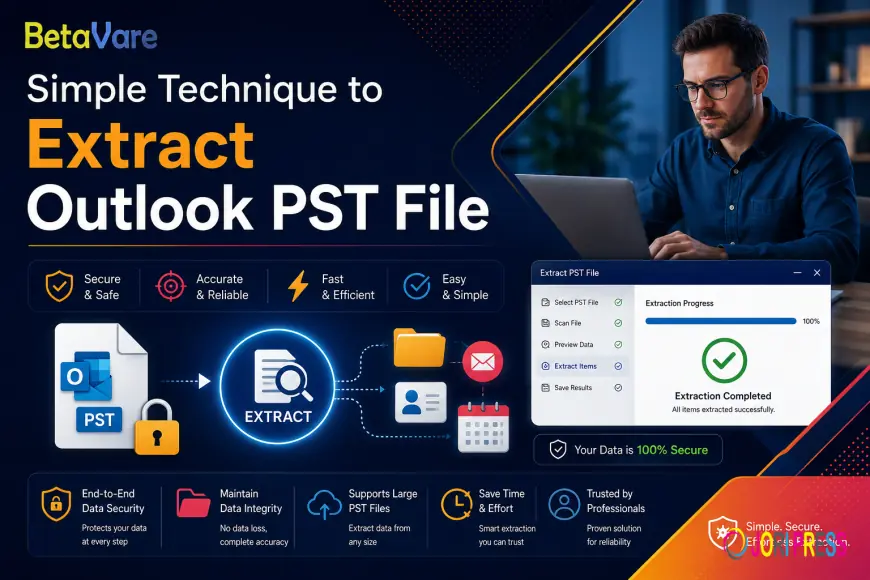
Have you ever had a problem with a heavy PST file wondering how to extract your emails, contacts, or calendar data? Well, thousands of users look every day for the best way to get rid of PST files and extract any information from them safely and easily. Whatever your reasons may be to work with PST files – a transfer to a new platform or email archive or data recovery – the right approach always helps.
In today's blog, we will teach you an easy procedure that you can do easily following our steps.
What Is a PST File and Why Do You Need to Extract It?
A PST file is a database containing the data of all emails, attachments, contacts, calendars, task items, and note items stored by Microsoft Outlook on the local computer. Such files become large-sized with passing time, thus making the Outlook application slow and hard to manage.
There are many reasons why someone would require PST file data extraction. Some of the reasons are mentioned below:
• Migrating to a new mail platform or software
• Backups and archiving purposes for security
• PST file recovery when Outlook stops working due to corruption
• Sorting through particular email or contact items
The knowledge of how to extract emails and attachments from a PST file without using Microsoft Outlook is one of the most sought-after skills among many individuals.
The Simple Technique: Use a Dedicated PST Extractor Tool
The most convenient and efficient way is to use a specially designed PST extraction tool. The manual process of importing or exporting through Outlook takes time, is prone to errors, and requires that Microsoft Outlook be installed. Using a tool helps to overcome all those disadvantages.
BetaVare Outlook Extractor is such an efficient tool that allows you to export all your Outlook data without requiring Microsoft Outlook on your computer. This includes email messages, contact information, appointments, tasks, notes, and attachments.
Step-by-Step Guide to Extract PST File Data
Just follow these few steps:
Step 1 – Download and Install the Utility Download the software and install it on your Windows PC. The utility is compatible with Windows 7, 8, 10, and 11, and it is compatible with all major Outlook releases between 2003 and 2019.
Step 2 – Import PST File Run the utility and browse to import your PST file. The software scans and reads all data stored within the selected PST file.
Step 3 – View Data Before Exporting Use the view functionality of the software before extracting. You can preview your emails, attachments, contacts, and calendar items in this step. This makes sure that you have chosen correct data for extraction.
Step 4 – Apply Filters(Optional) Apply filters while exporting your data to extract only necessary data from the PST file. Filter your data based on time, sender address, subject, location, keyword, and other criteria.
Step 5 – Choose Output File Format Pick your output file format as per your choice. You may choose to have the data exported in EML, MSG, MBOX, PDF, HTML, CSV, VCF, or ICS format.
Step 6 – Kick Off the Extraction Process Hit the extract/process button and leave everything else on us. Our software can handle PST files of any size – even above 50GB.
Key Features That Make Extraction Simple and Reliable
• Outlook installation not necessary – extracts from PST/OST files directly
• Maintains the folder structure – keeps your Inbox, Outbox, Drafts and other folders intact
• Safe for metadata – maintains sender’s name, dates, CC/BCC field, fonts used and even embedded images
• Bulk extraction ability – process multiple PST files simultaneously to save lots of time
• Duplicates attachments filtering – removes duplicate files during the export procedure
• Fully safe – does not change the source PST file at all
Who Should Use a PST Extractor Tool?
This technique is ideal for:
- IT administrators handling large-scale email migrations
- Legal and compliance teams needing precise, auditable email exports
- Small business owners backing up years of communication
- Home users who want to access old email data without reinstalling Outlook
The ability of BetaVare to extract Outlook contacts and calendar data from PST files with attachments is especially valuable for users switching to mobile devices or different email platforms where these formats are standard.
Final Thoughts
PST File Extraction Process Should Not Be Hard
Extraction of data from the PST file does not necessarily require a lot of effort. Provided that there is a right software solution and proper steps are taken, any user can extract necessary information from the file without difficulty within several minutes.
This program comes with a free trial version, giving users an opportunity to test it for themselves and ensure its effectiveness.
In case if a person has some issues with his PST file, then the above approach will be the quickest way to deal with them.
What's Your Reaction?
 Like
0
Like
0
 Dislike
0
Dislike
0
 Love
0
Love
0
 Funny
0
Funny
0
 Angry
0
Angry
0
 Sad
0
Sad
0
 Wow
0
Wow
0